Calendar-Native Event Timing
The timer app built around your schedule. Event timers, calendar sync, and every mode you need — beautifully unified.
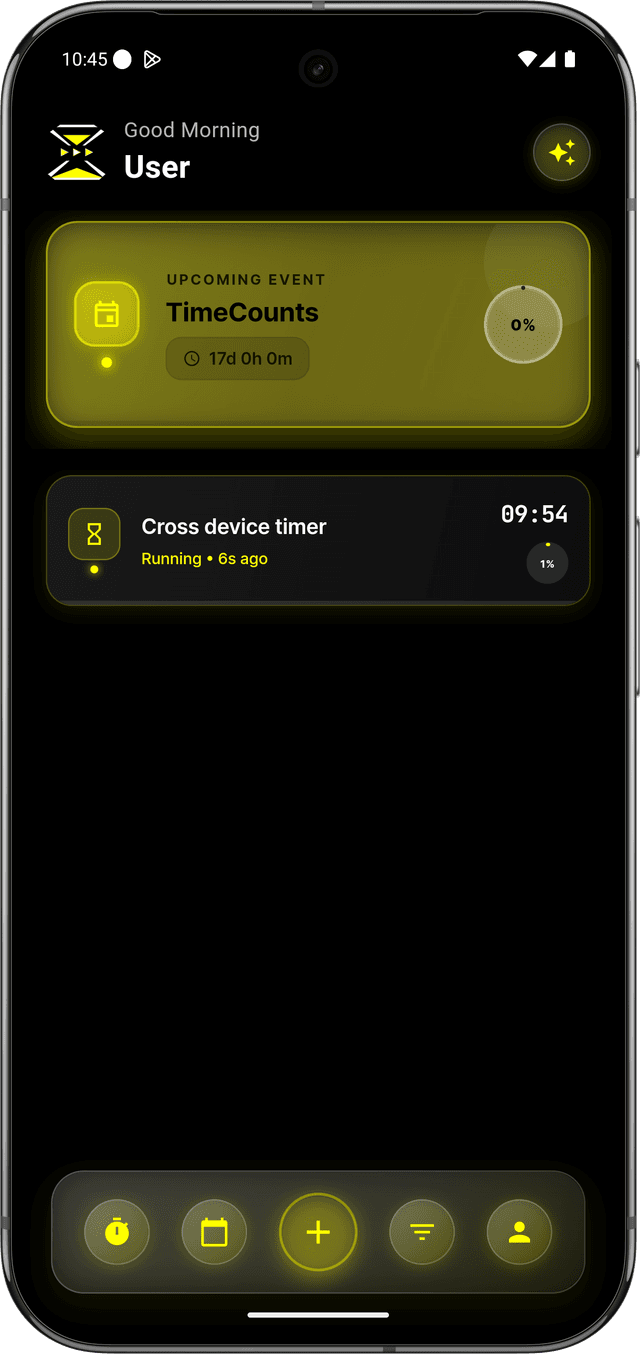
Event Timers — The Hero Feature
A new timer category designed for scheduled, real-world events.
Starts When Your Event Starts
Event timers are tied to your schedule, not your memory:
- Import events from your calendar as live timers
- Timers activate on schedule — no manual start needed
- Track actual duration vs expected for every event
- Mark events complete and see where time really went
Overtime Visibility
See when things run long and build awareness:
- Visual overrun alerts when events exceed planned time
- Planned vs actual comparison for each event
- Pattern recognition — spot which events consistently overrun
- Actionable insights for better future planning
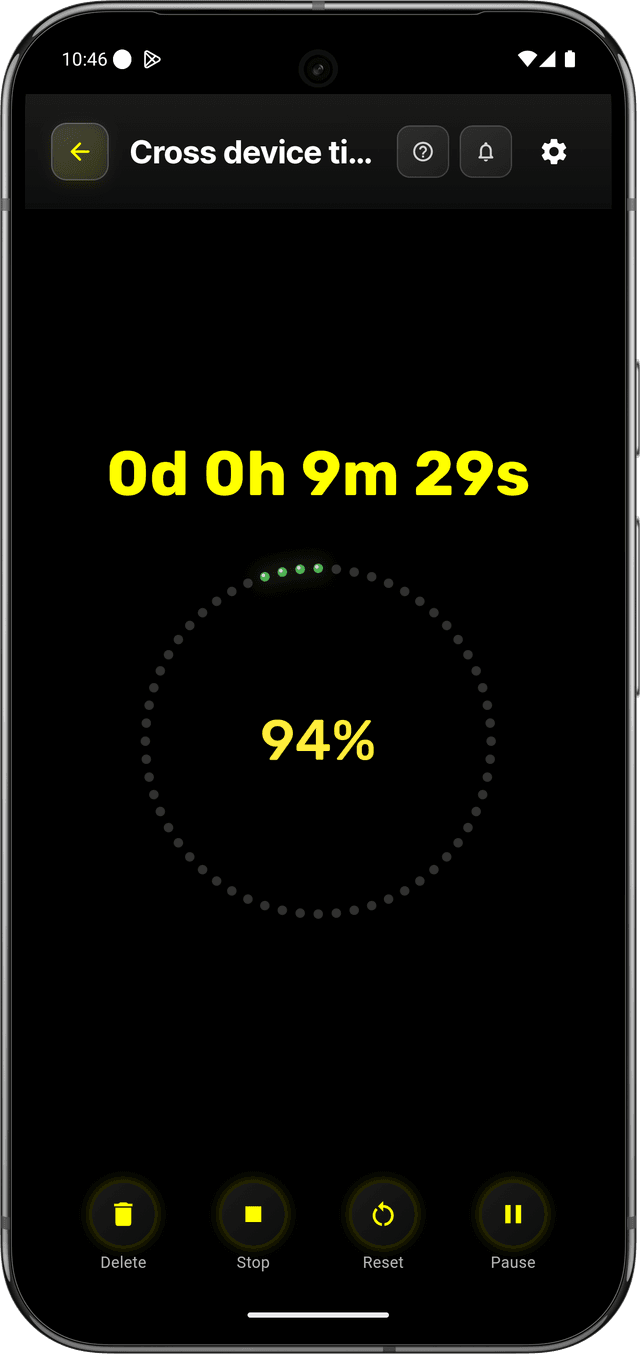
Calendar Sync
Your calendar becomes a truthful record, not just a wishlist.
Import & Execute
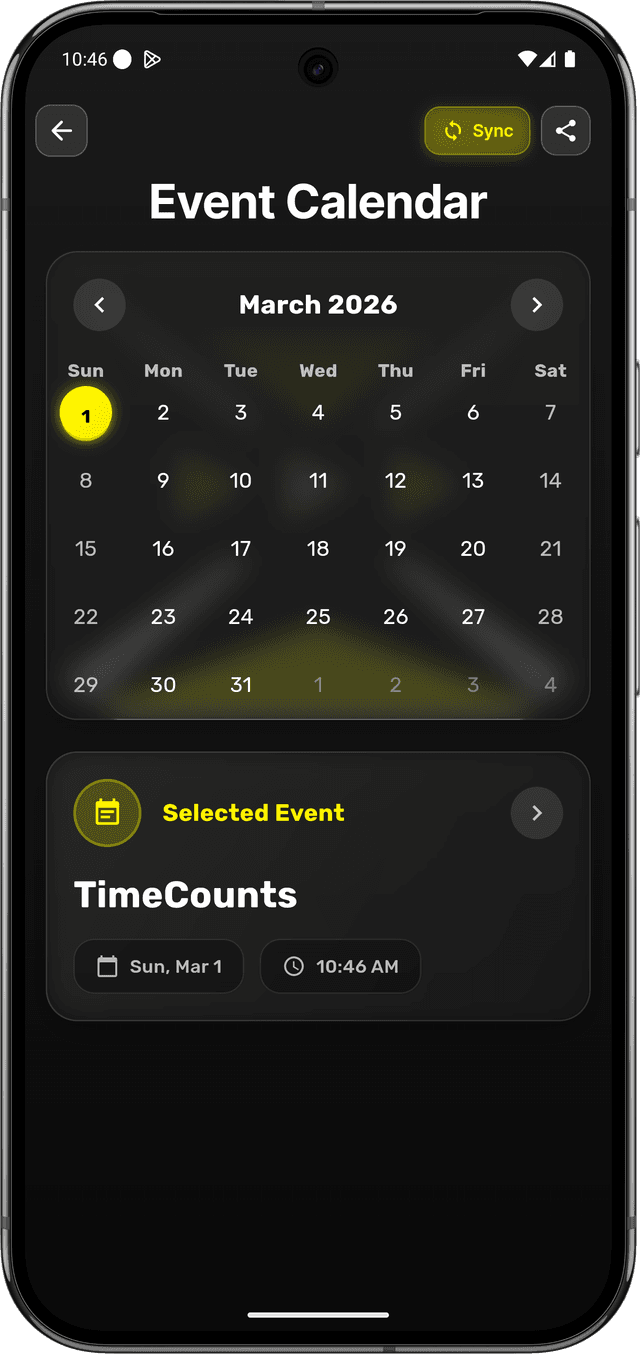
Connect your calendar and bring events into TimeCounts:
- Sync with Google Calendar (more coming soon)
- Upcoming events appear as ready-to-run timers
- Plan → Start → Finish → Reflect — one seamless loop
- Your calendar stays updated with real timing data
Smart Notifications
Stay on track with reliable, intelligent alerts:
- Notifications as events approach their scheduled time
- Alerts when events are about to overrun
- Works even when the app is backgrounded or killed
- Customizable alert timing across all your devices
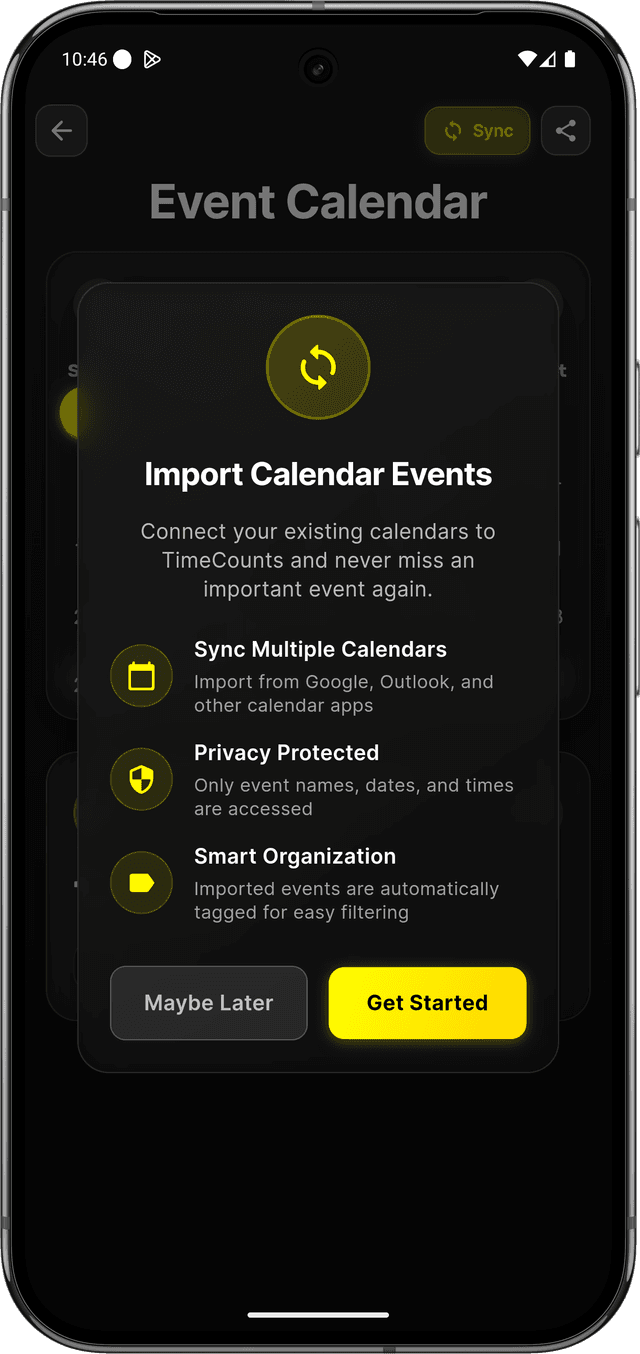
Every Timer Mode, Done Right
All the timer types you expect — plus the event timer you didn't know you needed.
Classic Timer Modes
Everything a timer app should have:
- Countdown timers for deadlines and time-boxed activities
- Stopwatch for tracking elapsed time on any task
- Pomodoro timer with configurable work/rest intervals
- Interval / HIIT timers with custom work/rest phases
Timer Templates & Presets
Save configurations for instant access:
- Create custom timer templates for recurring activities
- One-tap activation of saved presets
- Organize by category (work, fitness, study, routines)
- Presets sync across all your connected devices
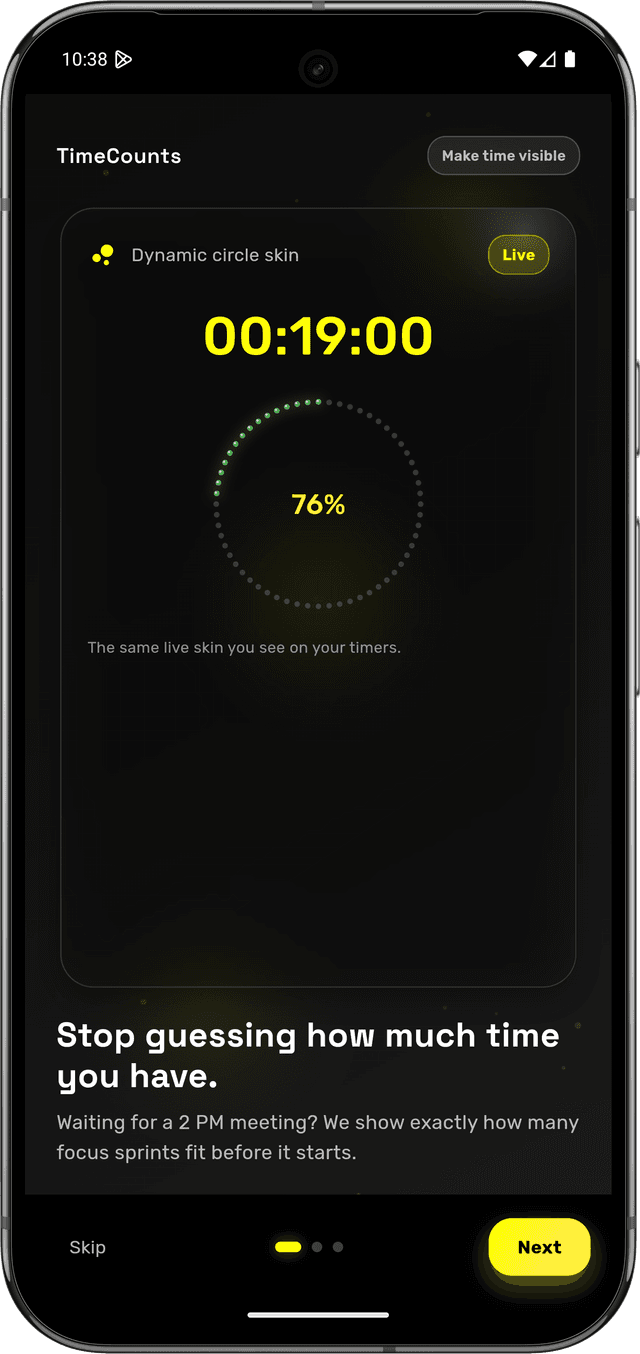
Designed to Be Beautiful
A premium experience that feels as good as it works.
Intuitive Interface
Navigate with ease through TimeCounts:
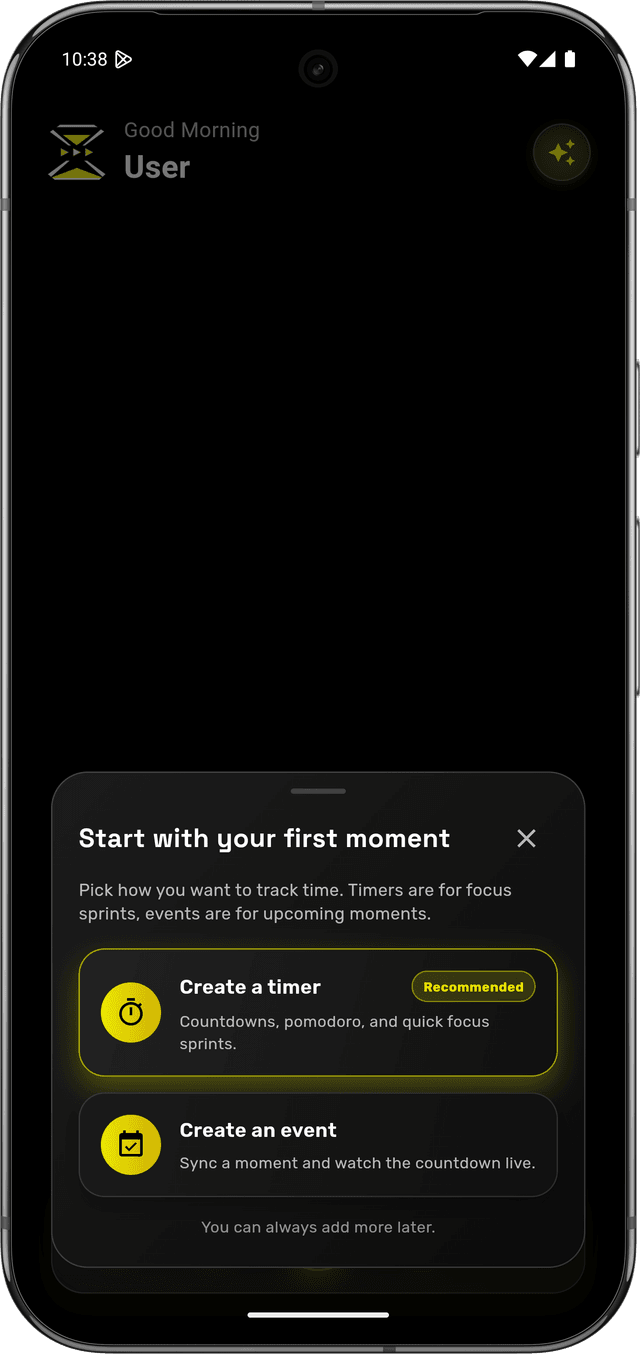
- Clean, modern design focused on usability
- Customizable skins to match your style
- Event timers and regular timers in one unified view
- Quick access to frequently used features
Visual Timer Displays
Choose from various timer visualization styles:
- Digital displays with precision counters
- Analog clock faces for traditional viewing
- Progress bars and circular counters
- Minimalist designs for distraction-free focus
Insights & Analytics
Turn timing data into better planning.
Planned vs Actual Reports
Understand your real time patterns:
- See which events consistently overrun or finish early
- Daily, weekly, and monthly time breakdowns
- Identify where your schedule leaks time
- Export data for deeper analysis
Categories & Organization
Group and track time by activity:
- Organize timers by type (meetings, focus, fitness, routines)
- Color-code categories for quick recognition
- Filter and search for specific timer data
- Category-level stats to spot trends
Cross-Device Sync
Start on your phone. Check from your watch. Everything stays in sync.
Seamless Device Ecosystem
Manage your time from anywhere:
- Start a timer on your phone, control it from your watch
- Event timers sync across all connected devices
- Notifications and alerts on every device simultaneously
- Switch devices mid-event without losing timing data
Reliable & Offline
Works regardless of connectivity:
- Full offline operation for uninterrupted timing
- Automatic syncing when connection is restored
- Background operation — timers keep running reliably
- Smart notifications even when the app is killed
Your Calendar, But Honest
Download TimeCounts and turn your first event into a timer in under 30 seconds.
 Google Play